

A
Beginner
First useful message through everyday work: conversations, Fast vs Think, files, voice, research, and images.
Outcome
You can sign in, run Grok on the web and phone, and tell when the answer does not hold up.

Use Grok, apply it to a job, optionally drive it from a folder, optionally put it in an API you own. You practice in the real product — not a toy sandbox.
Scroll
Who it is for
Grok Mastery is for anyone who will open the model on real work: a first-time user, someone already pasting into chat all day, a person who wants the terminal agent even if they do not know what a repo is yet, and anyone with a job — office, shop, classroom, trades, or field.
It is not a badge mill and not a video you can mute. If you will not open Grok and do the exercises, this is the wrong desk.
Pathways
First useful message through everyday work: conversations, Fast vs Think, files, voice, research, and images.
You can sign in, run Grok on the web and phone, and tell when the answer does not hold up.
Prompt patterns, projects instead of chat dumps, PDFs and canvas, evaluation, and a personal workflow library.
You run Grok as a project — files, memory, research, and a workflow you can reuse.
New bench starts at folders. If you already have a git repo, prove it and skip the vocabulary. Both doors meet at the TUI, plan, and a change you actually read.
You go from a folder of your files to a local repository — even if you do not know that word yet — then plan, review, and ship.
Start with Any desk if you are not sure. Specialties stay for teachers, shops, trades, writers, and field crews.
You run Grok on work you already have: any desk, writing, trades, teaching, a shop, or field / GIS if that is your job.

Optional last rung after you can use Grok. Not required after Applied. grok.com and Build stay the daily desk; the API is how you productize.
You can create a key, make one Responses API call, keep secrets off the browser, and wire one real job into a script you run.
How practice works
Read a short brief here. Open Grok. Do the work. Compare it to a strong example. You keep the chats and the files.
What you are doing, what good looks like, and when to stop.
Same model you will use on the job. No locked classroom bot.
A prompt, a rewrite, a small tool, or a problem from your desk.
Hold your result next to a strong example. Keep what you made.
Built with Grok
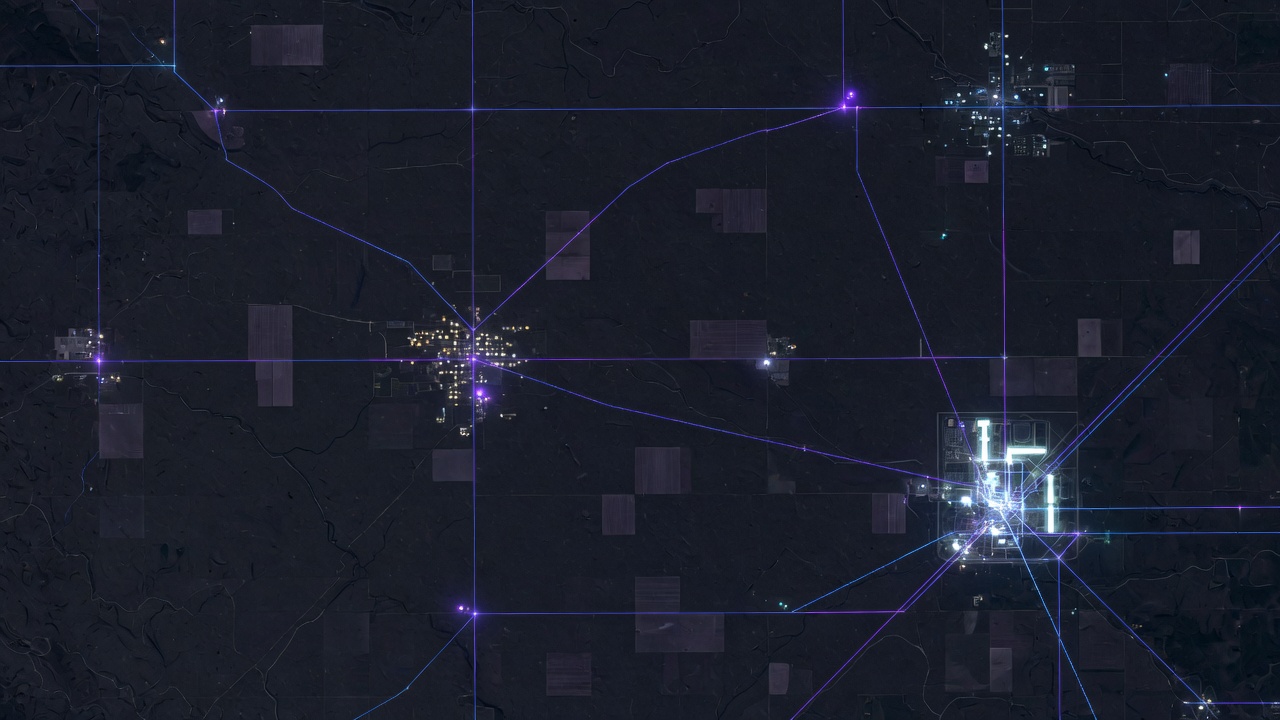
Russell Tech builds production systems with Grok — maps, software, and this desk. Grok is a tool we used. We directed the work and sell the seat. The course is the same tool, used the way the work actually happens. Not an xAI product. A Russell Tech method. No warranty of outcomes.
What it costs
A Grok account is separate and billed by xAI. SuperGrok or Build credits, if you need them, are not included here.
The lessons are rewritten when Grok changes — new surfaces, new defaults, new ways it fails. Lifetime is not a PDF from launch week.
Full desk while the card is good. Cancel when you are done.
Same desk. No renewals. The default buy if you intend to finish.
You pay xAI for the model. We teach the method and keep it current.
Public seats are paid. A code you were handed still works.

A seat
Buy the desk, or enter a code you were given. The work still happens in Grok.