
A dark operations room: two people at the boards, screens as the only light

Pathways

Five honest ways through Grok.

Pick the level you are actually at. Durations are working estimates, not a clock on a sales page. Testing access is open. There is no bill on this desk.

A single person in a dark hall, facing a wall of light — first contact with the machine

A · Beginner

Beginner

First useful message through everyday work: conversations, Fast vs Think, files, voice, research, and images.

Accounts and surfaces, how to iterate instead of restarting, when Grok is wrong, and a seven-day operating system as the capstone. Every exercise is done in Grok.

Duration
6–8 hours
Level
New to Grok
Outcome

You can sign in, run Grok on the web and phone, and tell when the answer does not hold up.
A dark operations room: two people at the boards, screens as the only light

B · Power User

Power User

Prompt patterns, projects instead of chat dumps, PDFs and canvas, evaluation, and a personal workflow library.

For people who already have a window open. Turn casual prompting into a method: research, files, light coding without being a developer, and a record you can show.

Duration
About 8 hours
Level
You already chat with a model
Outcome

You run Grok as a project — files, memory, research, and a workflow you can reuse.

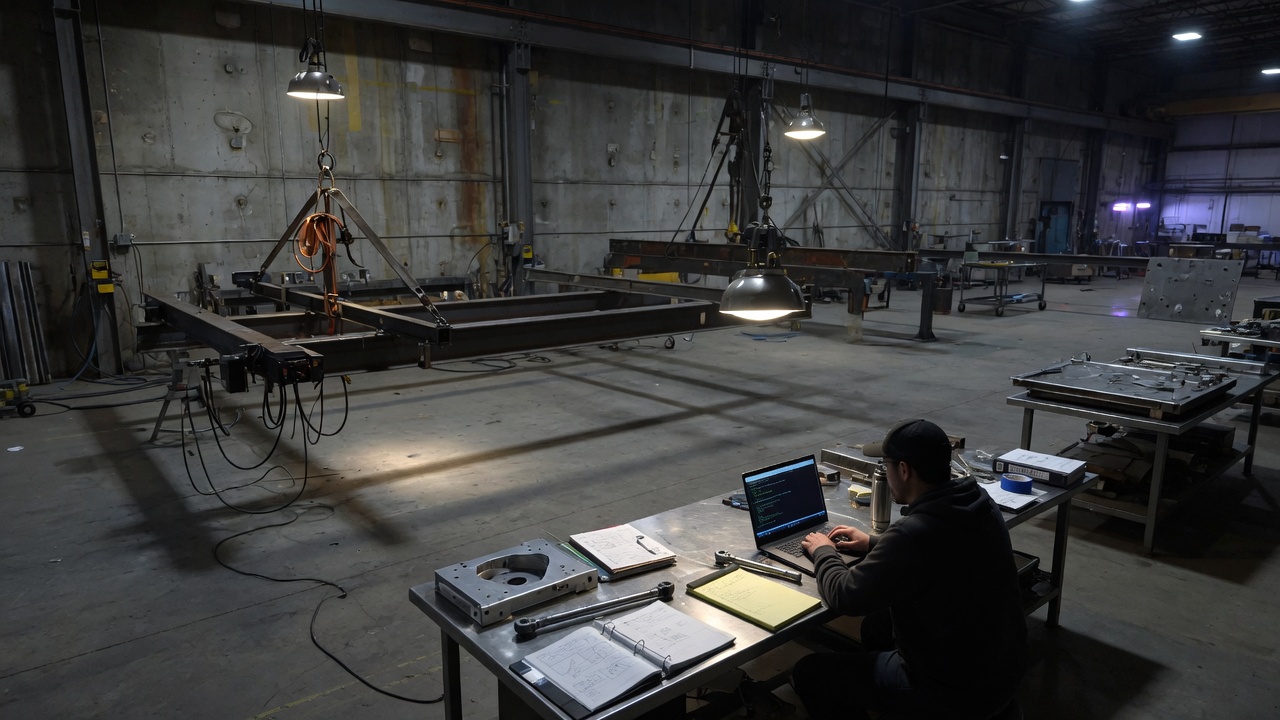
A high-bay at night: one bench, a laptop, steel in the air

C · Grok Build

Grok Build

New bench starts at folders. If you already have a git repo, prove it and skip the vocabulary. Both doors meet at the TUI, plan, and a change you actually read.

One pathway, two on-ramps. No computer-science degree. GitHub is optional. Local git and a scratch project are enough. People who already live in a repo do not sit through “what a folder is.”

Duration
About 12–14 hours
Level
Two doors: new bench, or you already have a repo
Outcome

You go from a folder of your files to a local repository — even if you do not know that word yet — then plan, review, and ship.

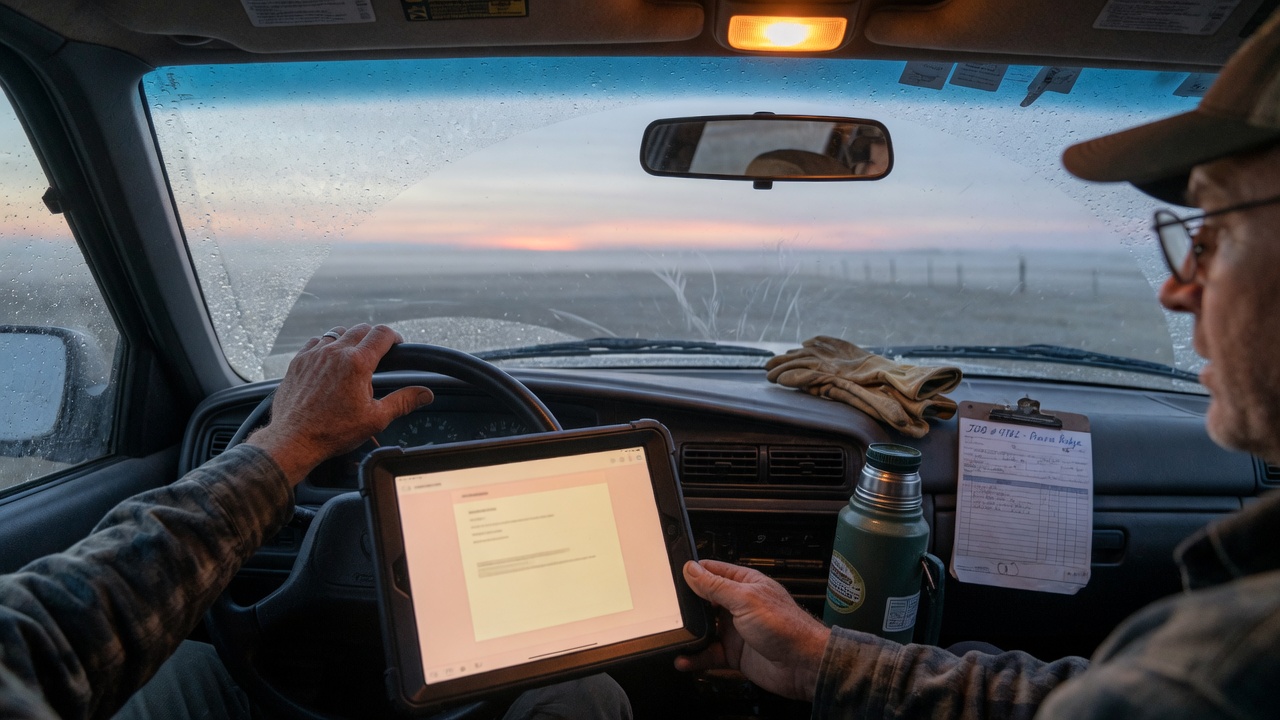
Dawn in a work truck: tablet on the wheel, gloves and a job on the dash

D · Applied

Applied

Start with Any desk if you are not sure. Specialties stay for teachers, shops, trades, writers, and field crews.

Any desk is the default. Education, business, trades, writing, and geospatial / drone / ag are optional specialties. Finish a piece of work you already have to do.

Duration
About 4 hours per track
Level
You have a job — any job
Outcome

You run Grok on work you already have: any desk, writing, trades, teaching, a shop, or field / GIS if that is your job.

A family on the beach at dusk; the cloud works in the sky while the laptop stays closed

E · API

API

Optional last rung after you can use Grok. Not required after Applied. grok.com and Build stay the daily desk; the API is how you productize.

console.x.ai, XAI_API_KEY, POST https://api.x.ai/v1/responses, model grok-4.6. Credits cost money. Keys never go in the client. Applied is still the job; this is the pipe.

Duration
About 4 hours
Level
You want Grok inside something you own
Outcome

You can create a key, make one Responses API call, keep secrets off the browser, and wire one real job into a script you run.

How to choose

If you have to think, go one level down.

  • A · BeginnerFirst real session, or you still treat the model like a search box.
  • B · Power UserYou already chat daily and want a method you can repeat and show.
  • C · Grok BuildYou want software out of the conversation. New bench starts at folders. If you already have a repo, prove it and skip the vocabulary.
  • D · AppliedYou have a live problem from work and need the model on that job.
  • E · APIYou want Grok inside something you own, not only in a chat window.
South Dakota prairie under a night sky

Next

Code or a card.

Buy the desk, or enter a code you were given. The work still happens in Grok.